One world. One postal network.
The Universal Postal Union is a United Nations specialized agency and the postal sector's primary forum for international cooperation.
The Universal Postal Union is a United Nations specialized agency and the postal sector's primary forum for international cooperation.





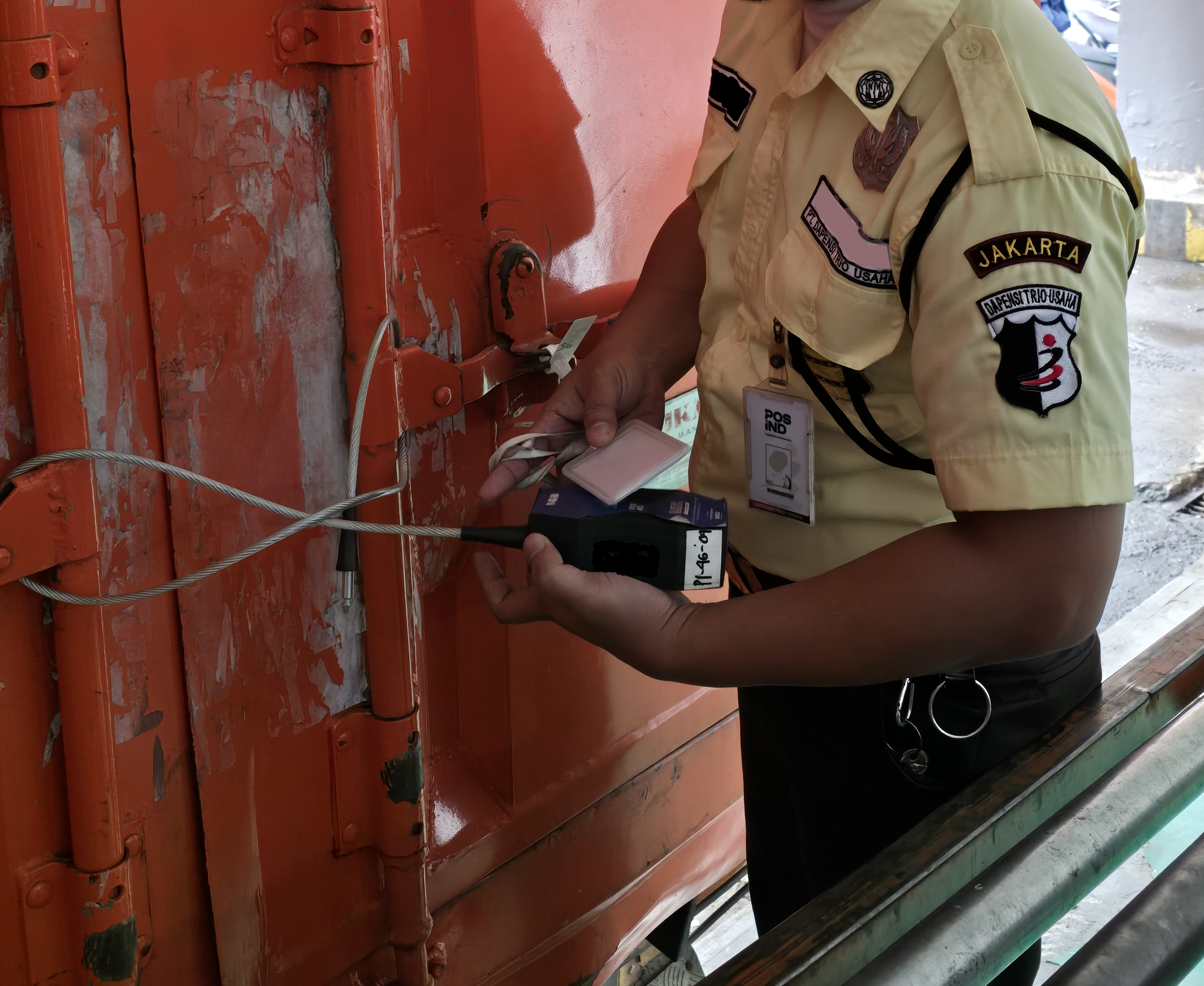




Arab Regional Development Plan 2026-2029
28.04.2026 — The Regional Development Plan (RDP) for the Arab region for the 2026–2029 cycle reflects detailed analyses of the region’s current situation and the lessons learned from the Abidjan cycle. It provides both an overview of the global and regional postal environment, together with a targeted set of development cooperation actions tailored to the needs of the region.
Africa Regional Development Plan 2026-2029
28.04.2026 — The Regional Development Plan (RDP) for Africa for the 2026–2029 cycle reflects detailed analyses of the region’s current situation and the lessons learned from the Abidjan cycle. It provides both an overview of the global and regional postal environment, together with a targeted set of development cooperation actions tailored to the needs of the region.



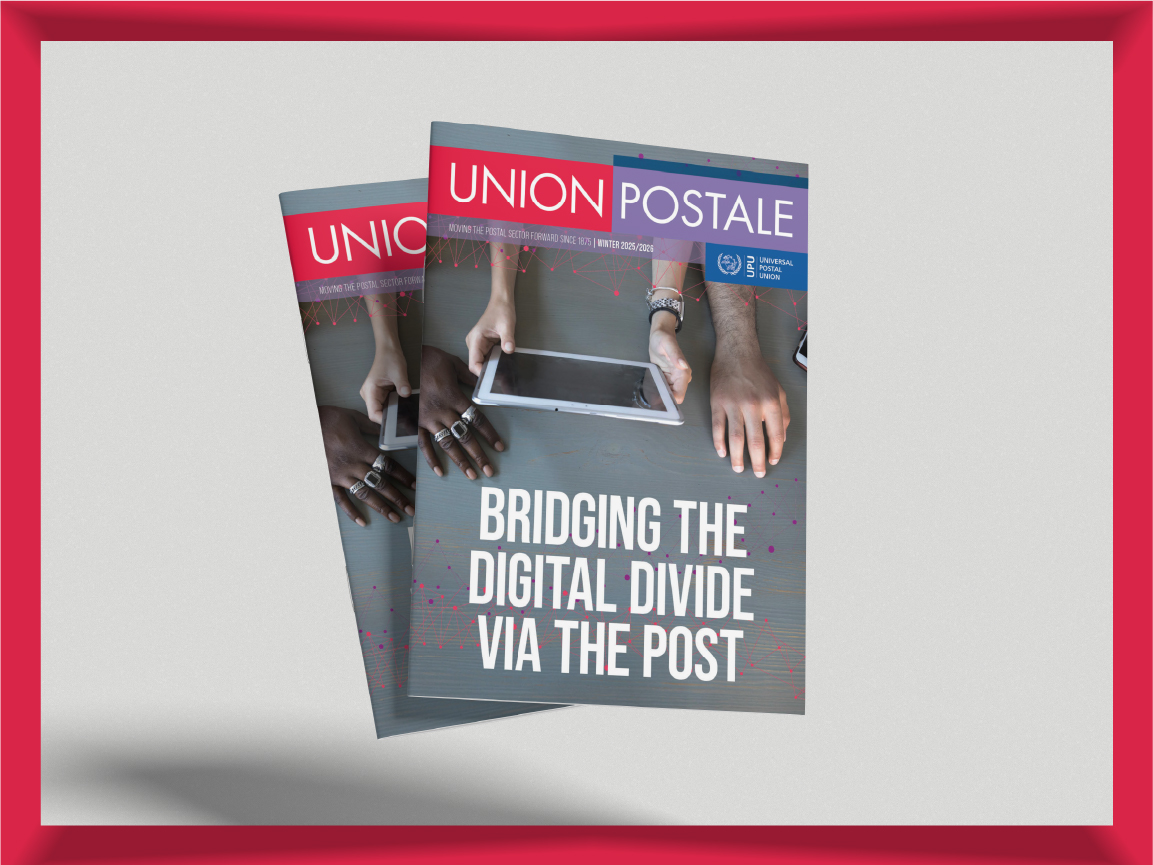
Start with our Global Track & Trace.
If you can't find what you're looking for, check with your national post through our member country directory.